
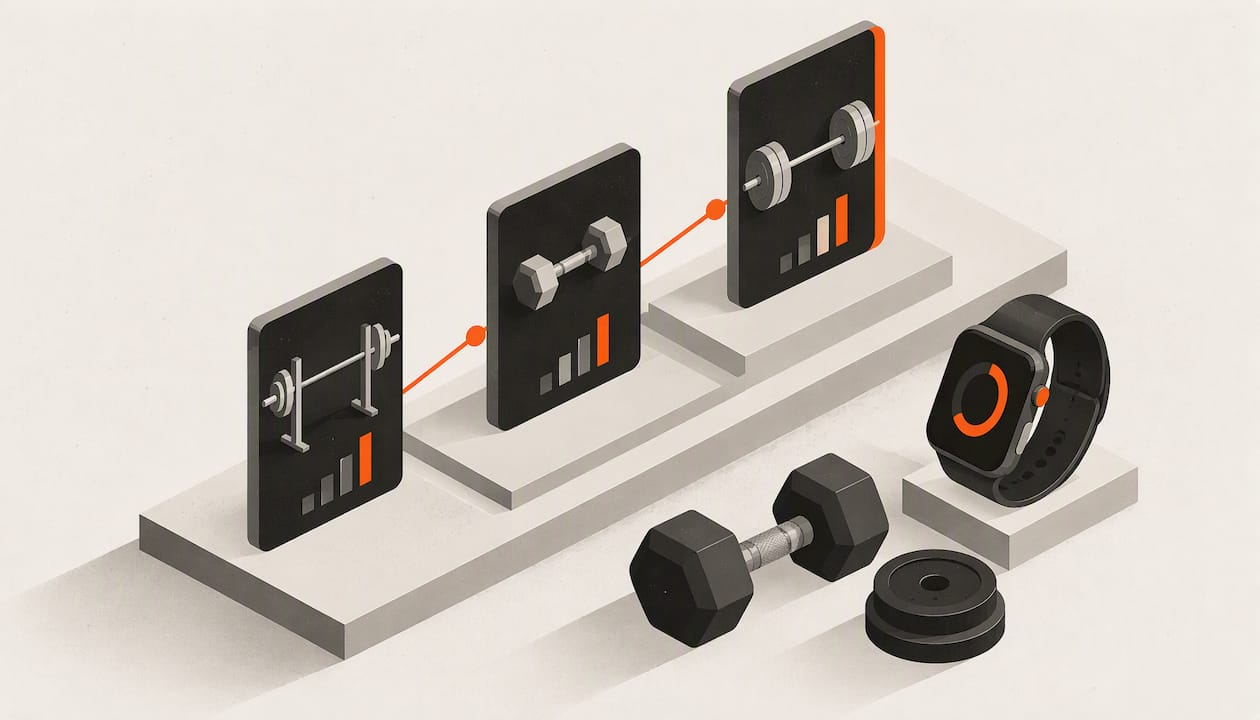
Your Apple Watch can track a strength workout. Open Workout, pick a strength type, tap Start, and it records time, heart rate and calories. What it does not do on its own is keep a log of your exercises, weights and reps. For that you need a method, such as voice notes, or an app built for lifting that runs on your wrist. This guide covers the setup, what the numbers can and can’t tell you, and how to turn a watch into a real training log.
TL;DR
- Open Workout, turn the Digital Crown to a strength option such as Functional Strength Training, and tap Start just before your first working set.
- Heart rate on the watch holds up well during lifting. Calorie estimates are the weak spot, so don’t make them your goal.
- The built-in Workout app shows time, calories and heart rate. Exercises, weights and reps need a lifting app or a manual system.
- Look for an app that logs a set fast, shows last session’s numbers and works from your wrist.
- Athlxpro sets your next weight and reps from your last session and how hard it felt, and a full workout can run on Apple Watch once the plan is on the watch.
Table of Contents
- What the built-in Workout app records
- Which workout type to choose for lifting
- Starting, pausing and ending a session
- How accurate is Apple Watch during lifting?
- The logging gap, and three ways to fill it
- What to look for in a strength app for Apple Watch
- How Athlxpro handles strength training on Apple Watch
- Try it on your wrist
- A sample week: how the pieces fit together
- Common mistakes with watch-based lifting
- Getting started
- FAQ
- Sources
What the built-in Workout app records
Apple’s own guide describes a simple flow: open Workout, choose a workout, tap Start. While you train, the watch can show elapsed time, calories, heart rate and other workout statistics. To finish, you swipe right and tap End, then view the summary (Apple Support).
That is useful for one thing in particular: proof that the session happened, how long it lasted and how hard your heart worked. It counts toward your Activity rings and lands in the Health app on your iPhone.
What it does not give you is the thing most lifters care about: what you lifted. There is no built-in place to say “bench press, 135 lb, 3 sets of 8.” If you want to beat last week’s numbers, you have to store those numbers somewhere.
That gap is why the most common searches around this topic are about logging. Lifters want the convenience of a watch, no phone in a chalky hand, and still want a record they can compare against.
Which workout type to choose for lifting
The Workout app lists several strength-related types. For most weight training, the practical choice is the strength option closest to what you are doing, usually Functional Strength Training or Traditional Strength Training, whichever your watch offers. Apple’s guide tells you to turn the Digital Crown to the workout you want, such as Functional Strength Training, and tap to start (Apple Support).
A few practical points:
- Pick one type and stick with it. Consistency makes your session history easier to read in Health and Fitness.
- Avoid cardio types for lifting. Running or mixed cardio modes interpret your wrist movement differently and tell you less about a lifting session.
- Treat the choice as a label. The type you pick mainly affects how the session is categorized and how calories are estimated. It is not a coach.
If a workout type is missing from your list, check the Workout app’s options on your watch and update watchOS. Apple’s guide is the reference for what your version shows.
Starting, pausing and ending a session
Timing matters more than most people think. One coaching guide suggests starting just before your first working set, keeping your normal rests inside the session, and ending after the last exercise or a short cool-down (Visions Sport Web). That keeps heart rate averages and duration honest.
A simple routine:
- Warm up, then open Workout on the watch.
- Turn the Digital Crown to your strength workout and tap Start.
- Train as normal. Don’t pause for every rest, because rests are part of lifting.
- After your last exercise, swipe right and tap End.
- Check the summary, then move on.
Two habits help. First, raise your wrist briefly between sets if the screen has dimmed, so you can see heart rate recovering. Second, don’t chase a calorie goal as the main target for a lifting session. Strength is measured in load, reps and effort, not in energy burned.
How accurate is Apple Watch during lifting?
The honest answer: good for heart rate, loose for calories.
Heart rate
A peer-reviewed study in Sensors, published in April 2026, tested four smartwatches during resistance exercise. Apple Watch heart rate was not significantly different from ECG, and the correlation was very high (r=0.970) (MDPI Sensors). Across devices, agreement limits were around plus or minus 10 beats per minute.
Accuracy depends on the movement, though. A study from Aalborg University looked at Apple Watch Series 6 against a Polar H10 chest strap. Agreement was high for back squats, deadlifts and seated cable rows but moderate to low for a dumbbell curl to overhead press and burpees (Aalborg University). Fast, wrist-heavy or very dynamic movements are harder for a wrist sensor.
Practical takeaways:
- Wear the watch snug, above the wrist bone, not loose.
- For movements where you grip hard or flex the wrist a lot, read the heart rate trend rather than any single number.
- Use heart rate to see how long you take to recover between sets, not to judge exact intensity.
Calories
The same Sensors study found that energy-expenditure correlations during resistance exercise were weak (r=0.10 to 0.34), with poor reliability (MDPI Sensors). Treat the calorie number as a rough estimate. It is fine for a loose sense of effort. It is a poor basis for deciding how much to eat or whether a session was “good.”
The better scorecards for a lifter are the ones the watch can’t produce by itself: weight on the bar, reps completed and how hard the set felt.
The logging gap, and three ways to fill it
Most of the frustration people voice about watch-based lifting comes from the same point. The watch knows your pulse. It doesn’t know your program. There are three common ways to close that gap.
1. Voice memos
One popular guide suggests Voice Memos on the watch: speak your totals, end the recording, and transcribe the numbers into a log after the workout. It is hands-free, but you only get the data after the fact and no immediate reference to past lifts.
2. Notes and spreadsheets
A phone note or spreadsheet works if you are disciplined. The weakness is friction. Typing between heavy sets is slow, and every minute spent on a screen is a minute not resting or lifting.
3. A lifting app with a watch app
This is where the setup becomes smooth. A good lifting app shows the exercise, last session’s numbers and a quick way to enter what you just did, all on your wrist. You get a history you can compare, and you never have to remember last week’s weights.
What to look for in a strength app for Apple Watch
When you compare options, judge them by what happens mid-workout, not by feature lists.
| What to check | Why it matters |
|---|---|
| Speed of logging a set | You are tired and your hands are chalky. Fewer taps means you actually log everything. |
| Last session’s numbers on screen | Progressive overload needs a reference point. |
| Full workout from the wrist | Lets you leave the phone in your bag or locker. |
| A plan that sets your next session | Tells you what to lift next, set by set. |
| Exercise demos | Helpful for new movements and for beginners. |
| Charts and records | Shows weight and volume trends so progress is visible. |
| Clear data permissions | You should control what the app can read from and write to Health. |
On that last point, Apple says compatible apps can write selected categories to Health only after you grant permission, and you can inspect or change those permissions in Health (Apple Support). Apple also notes that third-party apps can share data only after setup and permission (Apple Support, UK). It is worth a look at those settings after installing any health or fitness app.
Health also decides which source wins when several record the same thing: manually entered data first, then iPhone and Apple Watch data, then apps and Bluetooth devices. You can reorder or disable sources per category (Apple Support). If two sources double-count something like heart rate or workouts, that is where you fix it.
How Athlxpro handles strength training on Apple Watch
Athlxpro is a strength training app for iPhone and Apple Watch, built around one idea: you shouldn’t have to remember last week’s weights. It sets your next weight and reps from your last session and how hard it felt.
Here is how that looks in a normal session:
- Log a set in one tap. On iPhone or Apple Watch, you record what you just did without typing numbers between sets.
- A full workout on your wrist. Once the plan is on the watch, a complete workout can run on Apple Watch.
- A morning check-in. Tell the app how you feel. On a bad morning, it holds the weight or takes a set off. Only your training, how hard it felt and the morning check-in change the plan.
- Programs built on progressive overload and effort-based training. You train 1 to 6 days a week, and the plan moves forward from your own results.
- 577 exercise videos for form checks on movements you are unsure about.
If you are new to lifting, a simple structure helps. Our 3-day full-body beginner routine shows what a first few weeks can look like, and the app takes care of the weight progression from there.
Everything on one screen
Training, food, sleep, steps and heart rate are on one screen, so you see the whole picture without opening five apps. Alex, our AI coach, sees your training, food, sleep, steps and heart rate. The Apple Health data needs your consent. Food is logged by photo, which is an AI estimate, or by barcode.
Recovery is a topic lifters ask about constantly. If you want the background on why rest matters for gains, read sleep and muscle recovery.
Progress you can see and share
Records, awards, XP and levels make steady progress visible. Weight and volume charts show the trend over weeks. A community feed lets you post a session and see what others lift. When you want a copy of your data, PDF and CSV reports and a full JSON export are made on your iPhone, so you can hand a report to a coach.
There are no ads and no analytics SDKs, and health data is never used for ads.
Try it on your wrist
Athlxpro is a subscription, monthly or yearly, through the App Store. If you already wear an Apple Watch to the gym, it is the quickest way to turn that watch from a heart rate monitor into a lifting log with a plan behind it.
See the plans on Athlxpro and choose monthly or yearly in the App Store.
A sample week: how the pieces fit together
Here is what a typical lifter’s day looks like with a watch and a plan.
Before the session. You do a morning check-in. If you slept badly and feel flat, the plan can hold the weight or drop a set. If you feel good, it follows the progression from your last session.
During the session. You start the workout from the wrist. For each exercise you see the target weight and reps. You lift, then log the set in one tap and rate how hard it felt. Rest timers and heart rate sit alongside, so you can see recovery without pulling out your phone.
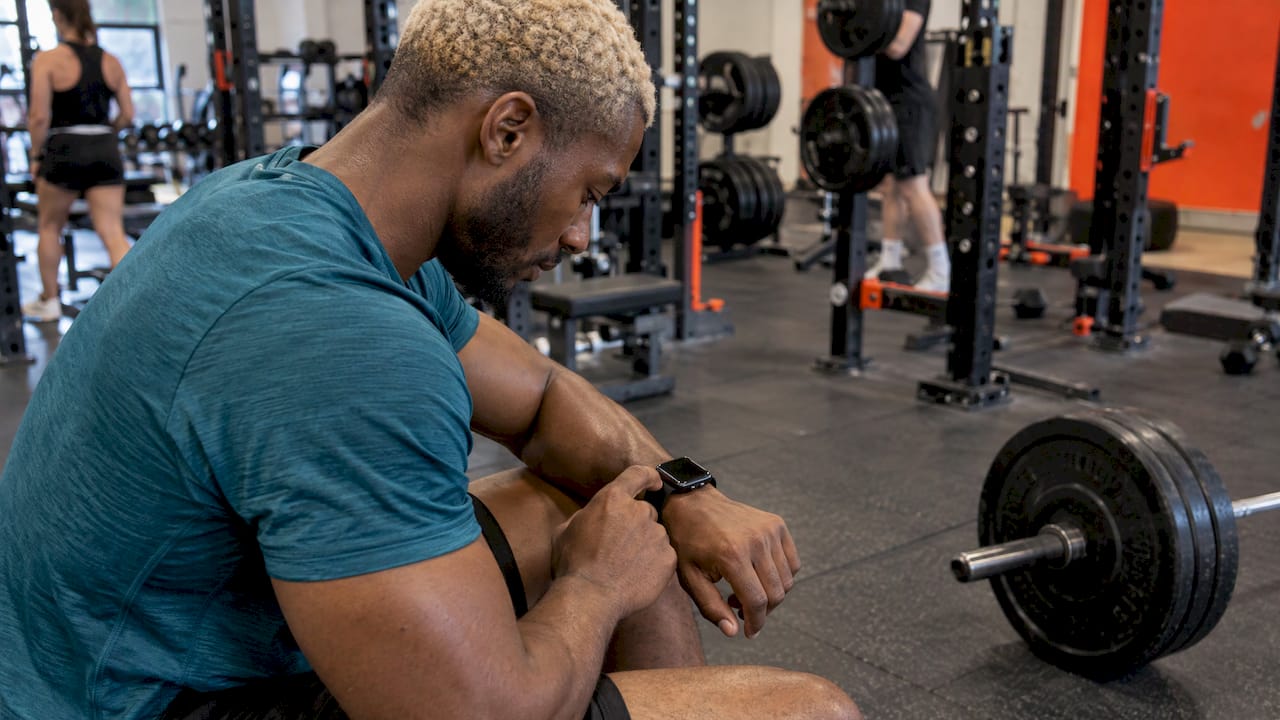
After the session. You glance at records and volume. Heart rate is saved with the workout in Health, according to the source priorities you set. The next time you train that lift, the target already reflects what you did today.
That loop is the core of progressive overload: do a little more over time, with effort kept in a range you can recover from. The app handles the arithmetic, so you can focus on the bar.
Common mistakes with watch-based lifting
- Starting the workout too early. Starting at the door of the gym and ending in the car park stretches duration and dilutes heart rate averages. Start before your first working set and end after the last one.
- Using calories as the scoreboard. As the research above shows, calorie estimates during lifting are rough. Track load, reps and effort instead.
- Switching workout types constantly. Pick one strength type so your history is comparable.
- Logging after the fact from memory. Numbers recalled an hour later are less accurate. Log as you go.
- Ignoring permissions. Check which data your apps can read or write in Health, and reorder sources if something is double-counted.
- Pushing through a bad day. Training the same load when you are run down rarely helps. Adjusting the day, as the morning check-in does, keeps the long run moving.
Getting started
- Make sure watchOS and your iPhone are up to date.
- Learn the basic flow in Workout: crown to a strength type, tap Start, swipe right to end.
- Choose a lifting app with a plan and a watch app, and review its Health permissions.
- Pick 1 to 6 training days a week that you can actually keep.
- Log every set, rate effort honestly, and let the next session build on the last.
The watch is a good training companion once it has a job. Heart rate and timing are its strengths. Let a lifting app handle the weights.
FAQ
Can Apple Watch track strength training?
Yes. The Workout app has strength training types, and it records elapsed time, heart rate and calories while you train (Apple Support). It does not keep a log of your exercises, weights and reps by itself. A lifting app on the watch fills that gap.
What should I set my Apple Watch to when lifting weights?
Open Workout and turn the Digital Crown to a strength type such as Functional Strength Training, then tap Start. Start just before your first working set and end after your last exercise. Choose one type and keep using it so your history stays consistent.
Is Apple Watch strength training accurate?
Heart rate is generally reliable during resistance exercise. A 2026 study found Apple Watch readings were not significantly different from ECG (MDPI Sensors). Calorie estimates are much looser, with weak correlations in the same study, so use them as a rough guide only.
How do I log sets, reps and weights on Apple Watch?
The built-in app won’t do it, so you use voice memos, notes or a lifting app. With Athlxpro, you log a set in one tap on iPhone or Apple Watch, and the app uses your last session and how hard it felt to set your next weight and reps.
What should I look for in a strength training app for Apple Watch?
Look for fast set logging, last session’s numbers on screen, a full workout from the wrist and a plan that tells you what to lift next. Check how it handles Health permissions too. Charts, records and exercise videos are useful extras for tracking progress and form.
Sources
- Start a workout on Apple Watch, Apple Support
- Comparative Validity of Smartwatch-Derived Heart Rate and Energy Expenditure, MDPI Sensors
- Accuracy of the Apple Watch Series 6 and the Whoop Band 3.0, Aalborg University
- What Is Strength Training on Apple Watch? A Coach’s Guide, Visions Sport Web
- Manage Health data on your iPhone, iPad, or Apple Watch, Apple Support (US)
- Manage Health data on your iPhone, iPad or Apple Watch, Apple Support (UK)